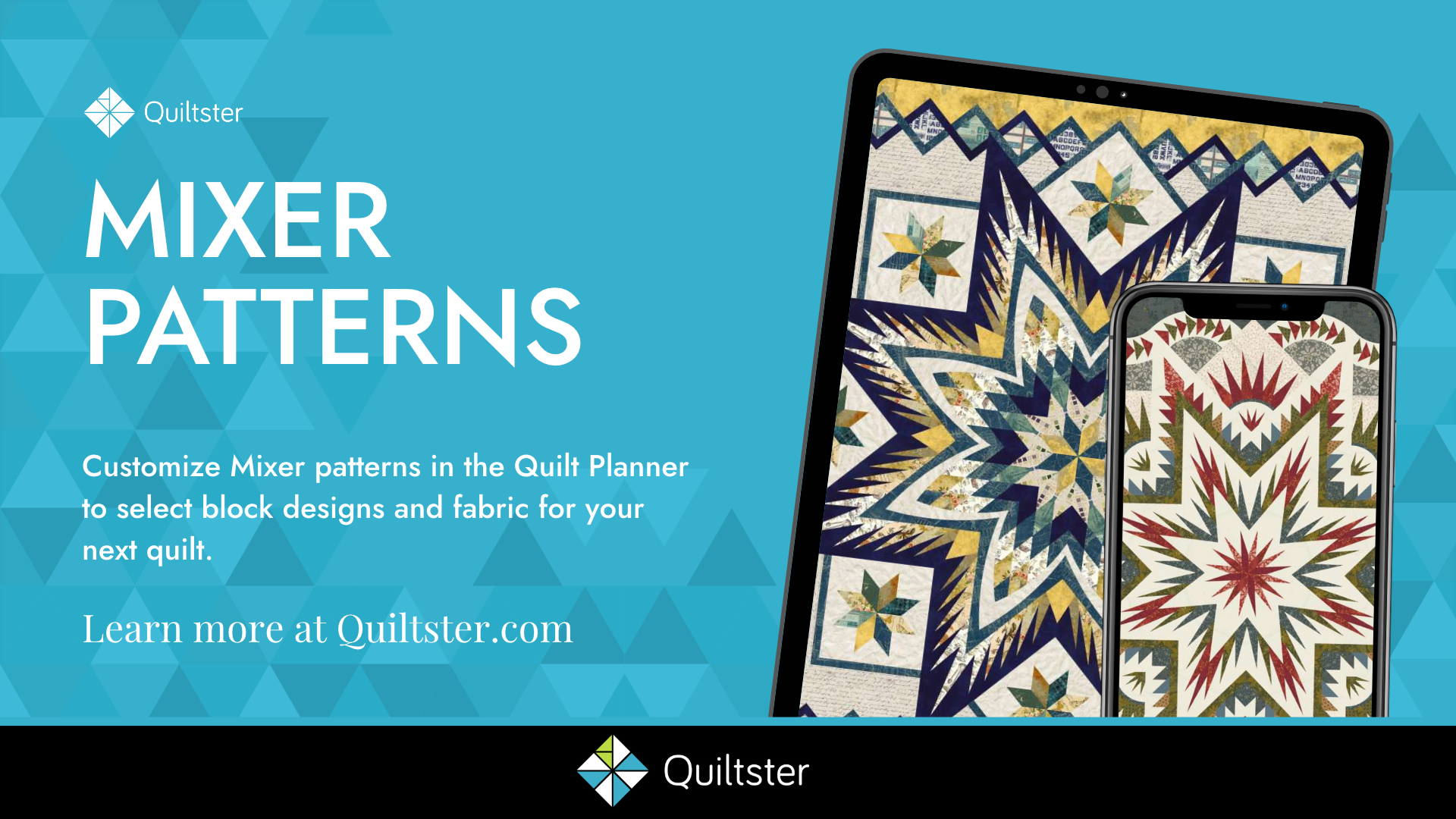
Learn how to customize mixer patterns in Quiltster’s Quilt Planner. Follow along as we choose blocks, add fabric and explore color combinations to create personalized quilt designs.
In this tutorial we customize the Arctic Star Mixer 68” Wall by Quiltworx.
Plan your next quilt at www.quiltster.com.
What You’ll Learn:
- How to choose a mixer pattern
- How to select block designs
- How to switch block designs
- How to use advance tools specific to mixer patterns
- How to add fabrics
- How to read your yardage chart
Chapters:
- 0:22 Select a Mixer Pattern
- 0:52 Mixer Pattern page walkthrough
- 1:56 Enter the Quilt Planner
- 2:31 Select Block Designs
- 4:14 Switch Block Designs
- 6:29 Add Fabric
- 9:15 Add the next Block Group
- 12:05 Unlock a Block Group to customize individual blocks within a group.
- 12:59 Sync blocks to match
- 13:33 Rotate blocks
- 14:17 Change fabric via the Yardage Chart
- 14:47 Unlock feature again
- 15:27 Fabric inventory – Make sure there’s enough fabric for your project
- 16:28 Backing & Binding (and what to do if there isn’t enough of your chosen fabric)
- 17:53 Duplicating your project
- 20:12 Buying Your Project
- 21:33 Sharing Your Project to the community Gallery
About Quiltster:
Plan your next quilt with us to see the look of the finished quilt before buying supplies. Quiltster lets you customize patterns from our library with real fabric and provides an accurate yardage chart for every project. Subscribe at Quiltster.com.
EXPLORE PATTERNS to customize in our Pattern Library.
- No subscription required to shop in the Marketplace.
- The Marketplace offers Kits, Patterns and Fabric from quilt shops across the USA all in one place.
#Quiltster #QuiltPlanner #QuiltingTutorial #QuiltDesign