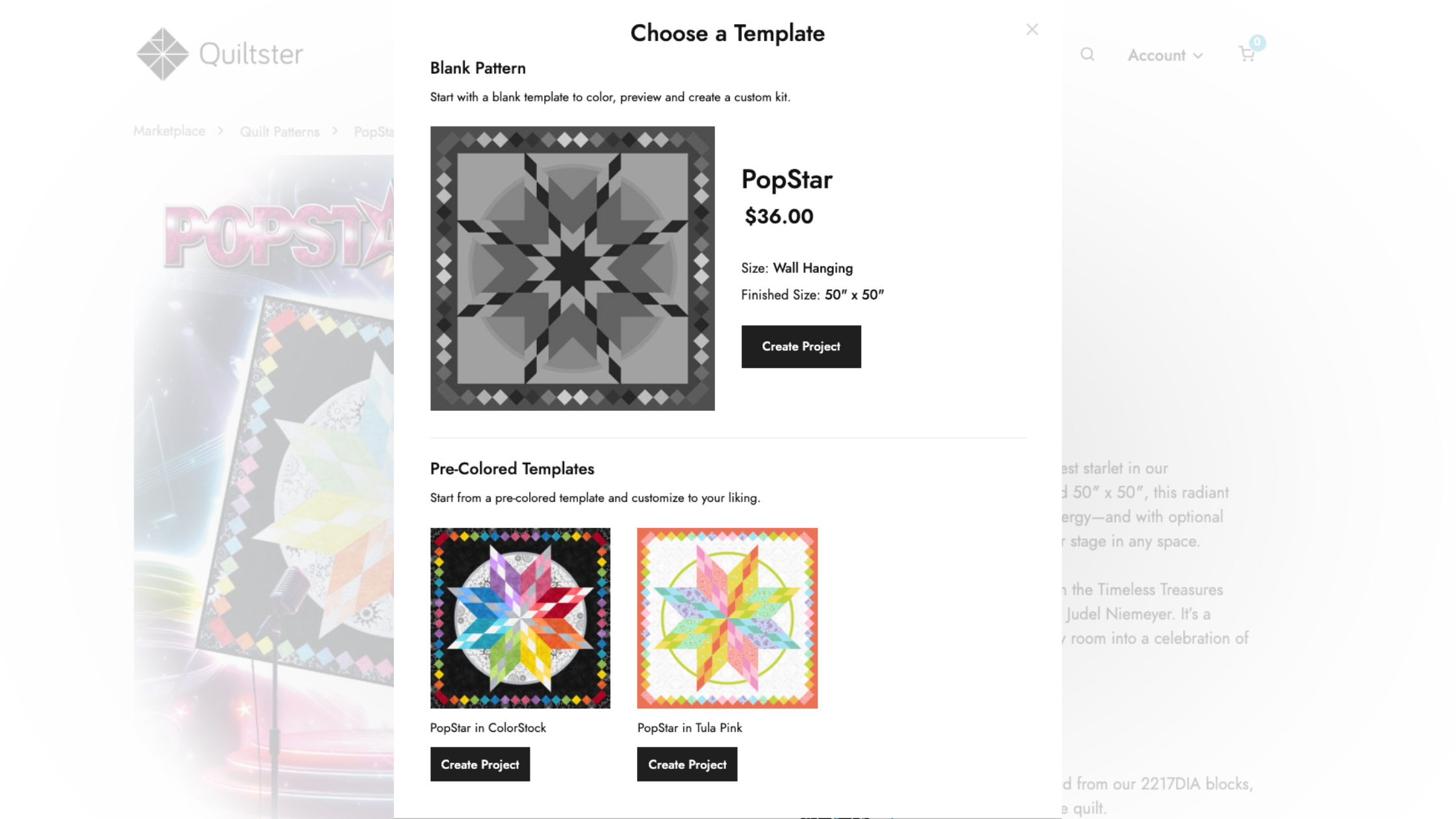
After selecting a pattern, you’ll be asked to select a template. This is essentially a digital version of the pattern that you will use as a base for your project.
Choosing a template is step 2 of 5 in the My First Quiltster Project series:
- Choose a Pattern
- Choose a Template
- Activate Your Pattern
- Add Fabric
- Save Project
Bonus Step: Share Your Project
Quick Start Steps
Get started with these quick steps, or keep reading for the full walkthrough.
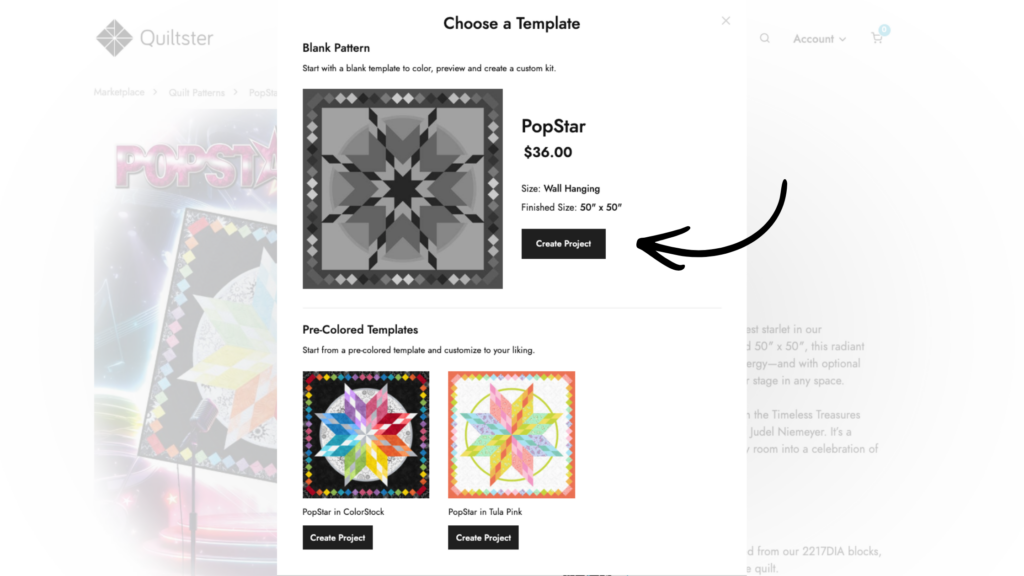
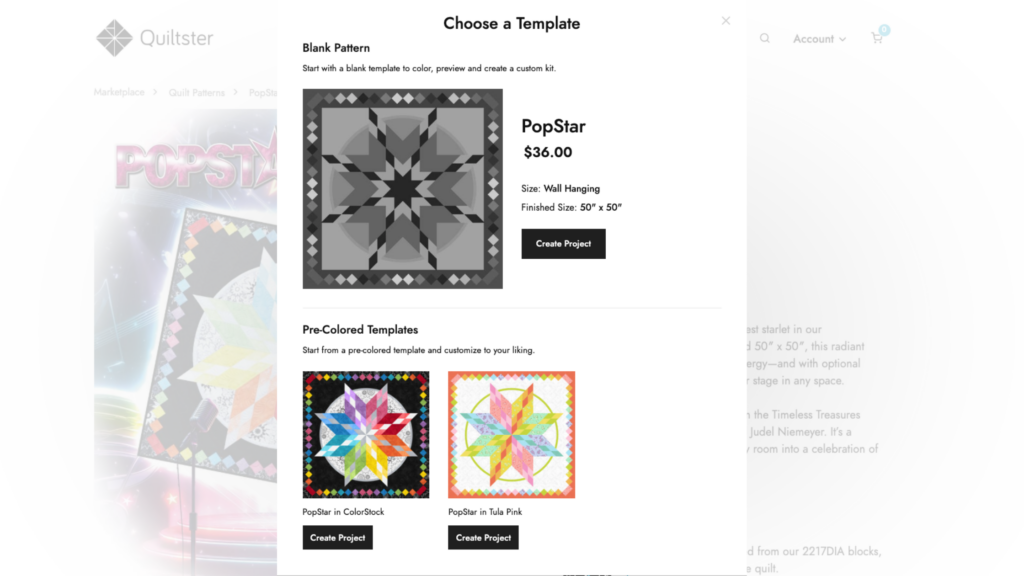
- In the Template Options window, click Create Project next to the template you want to use.
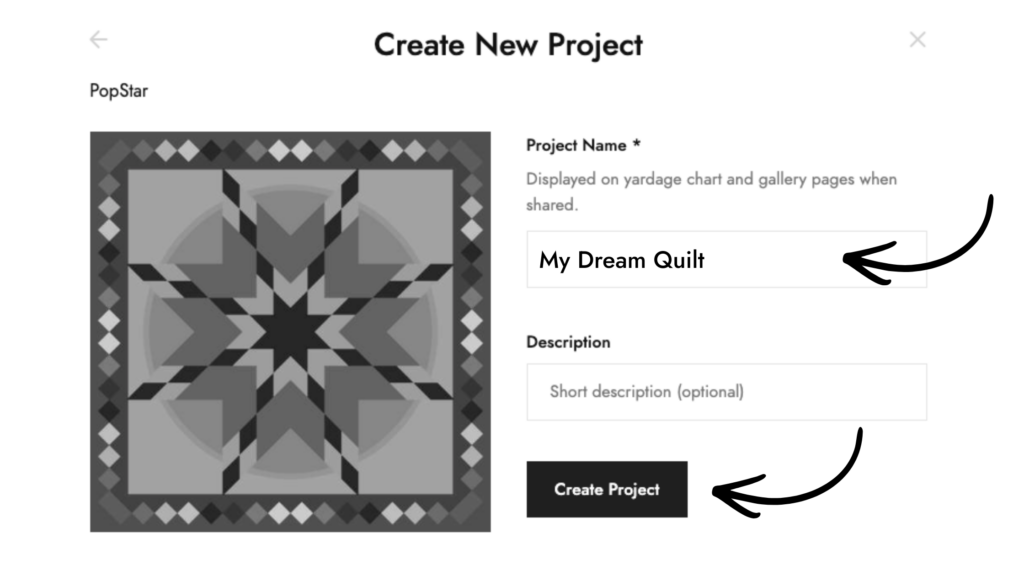
- Enter a name for your project.
- Click Create Project again to open your project in the Quilt Planner.
Step 2: Choose a Template
After clicking Create Project on the pattern page, you will be presented with a window where you can Choose a Template.
- Click Create Project next to the template you want to use.
- Next, enter a name for your project and click Create Project again.
That’s it! You’re ready to go to Step 3 where you will activate your project so you can start adding fabric.
Learn More About the Different Types of Templates
What is a Template in Quiltster?
A template in Quiltster refers to a digital version of the actual quilt pattern. This digital file has been created to work within our Quilt Engine which provides you with a way to select spaces within the pattern and add fabric.
Blank Templates
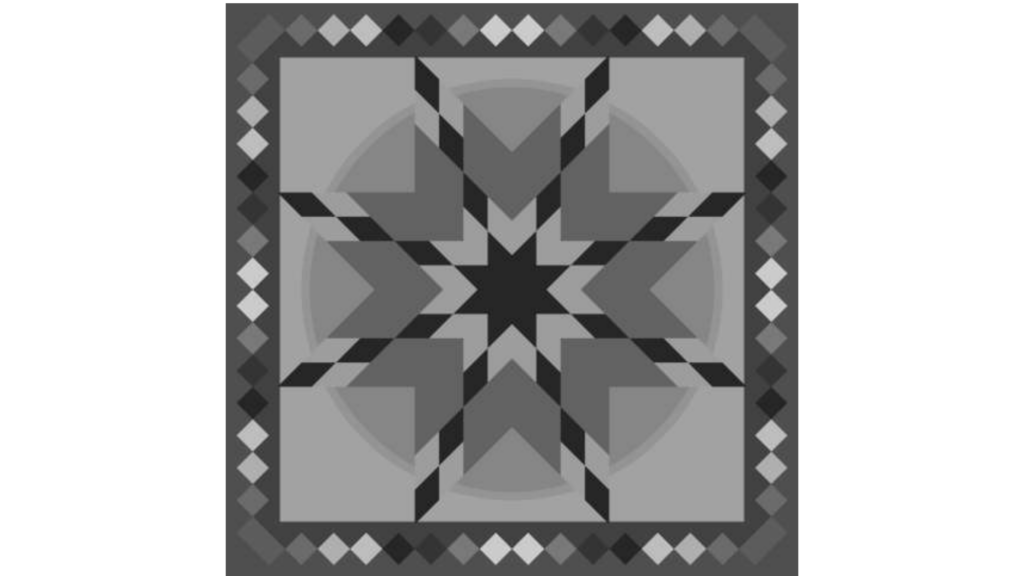
Every pattern in Quiltster includes at least one blank template represented without any fabric and shown in greyscale. Think of this as your ready-to-color version of the quilt just waiting for your fabric choices.
The light and dark shading you see is there to help guide you as you pick fabrics. It suggests where lighter and darker values were used in the original design so it’s easier to balance your colors, especially if you’re new to quilt planning.
It’s a helpful guide, not a rule. You can follow it closely or go your own way. Your fabric choices are always up to you.
Pre-Colored Templates
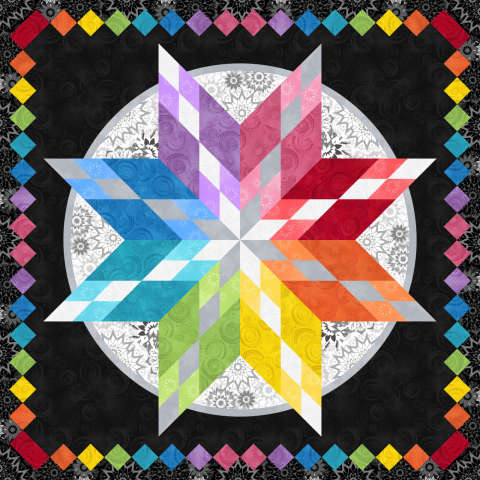
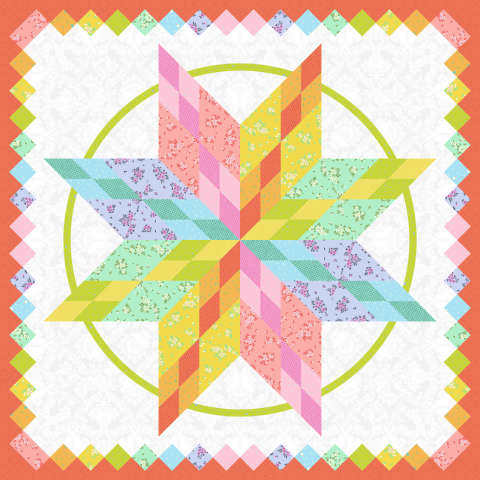
Some patterns offer templates that have been completed showing different colorway options to help inspire creativity. These are ready-to-use versions where fabric has already been applied to the quilt design. They often reflect the pattern’s cover quilt or a popular color version you may have seen before.
Pre-colored templates are a great starting point if you’d rather not begin with a blank layout. Instead of building your color plan from scratch, you can start with an existing color story and replace some or all of the fabric to fit your taste or your fabric stash.
They’re especially helpful when you want to:
- Start with an established color layout.
- Swap in fabrics you already own.
- Replace with similar purchasable fabrics in Quiltster so you can buy your project when done.
- Experiment with new fabric options while keeping the same color balance.
And don’t worry, nothing is locked. You can replace any fabric in a pre-colored template with your own choices at any time.