If you’ve ever wondered whether creating a Quiltster account means you’re signing up for a paid membership, this post is for you. They work together, but they are not the same and once you understand the difference, everything about Quiltster makes a lot more sense.
Feature | ACCOUNT | SUBSCRIPTION |
Cost | FREE | PAID |
Shop the Marketplace | ✔ | ✔ |
Track Orders | ✔ | ✔ |
Download Purchases | ✔ | ✔ |
Manage Payment Method | ✔ | ✔ |
Use the Quilt Planner | ✔ | |
Upload Fabric | ✔ | |
Save Projects | ✔ | |
Get Yardage Charts | ✔ |
Before We Start: You Can Explore Quiltster Freely
You do not need an account or a subscription just to look around.
You are welcome to explore Quiltster as much as you like. You can:
- Shop in the Marketplace
- Browse all quilt patterns to see which ones are available to buy or customize
- Browse quilting fabric
- View the Community Gallery and see projects created by Quiltster members
- Read tutorials and tips on the Blog
An account only becomes helpful if you’re placing a Marketplace order.
A subscription is only needed when you want to start designing inside the Quilt Planner.
What is a Quiltster Account?
Creating a Quiltster account is completely free.
An account simply helps make your shopping experience easier and helps you quickly find your tracking information later.
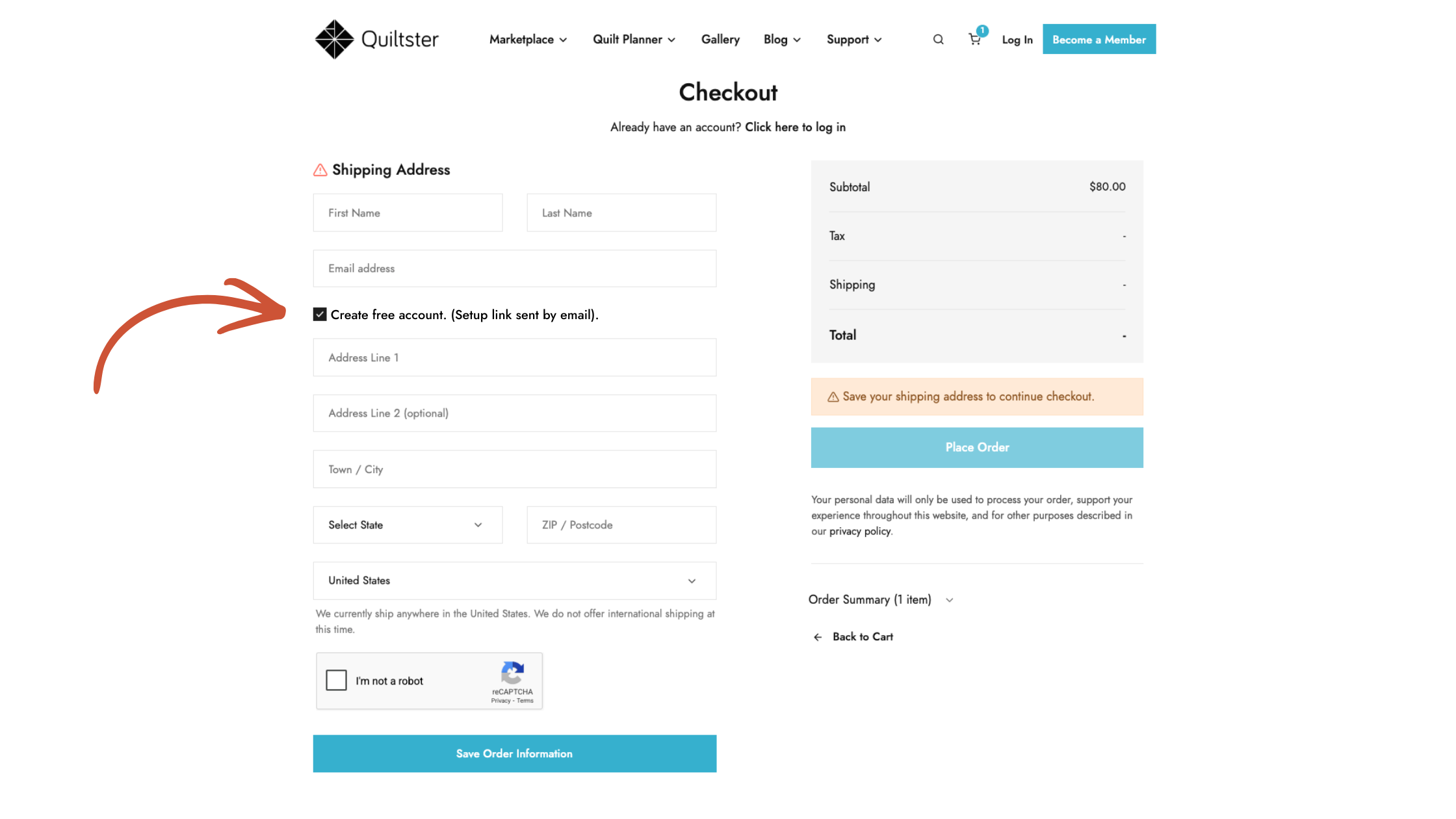
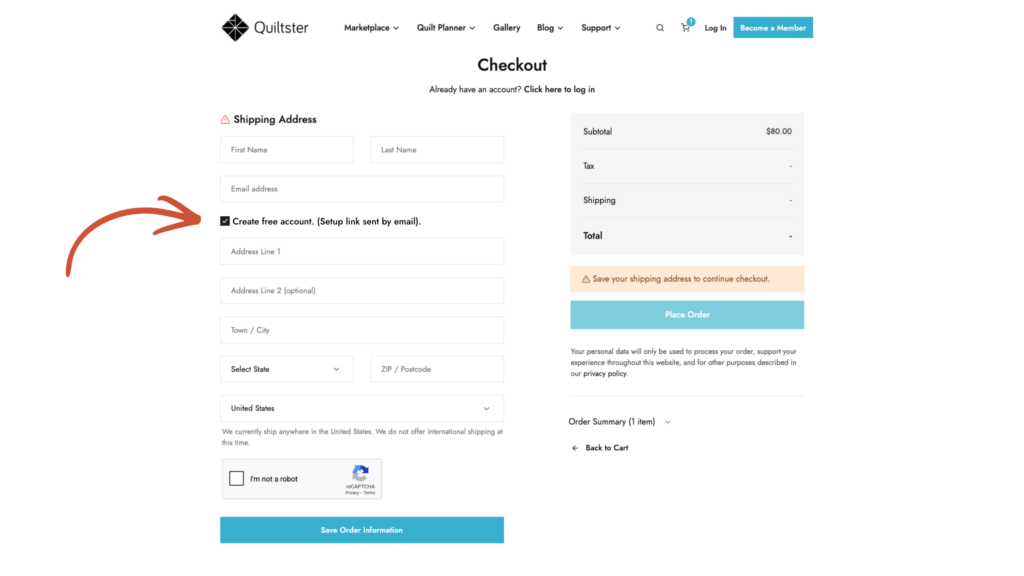
You may create an account when you place an order in the Marketplace. During check-out you will see a pre-checked box that says,
“Create free account. (Setup link sent by email).”
(The previous version stated, “Make account with order?)
Leave this box checked and you will be able to:
- Track your orders (including tracking numbers)
- View past purchases
- Download digital products
- Save shipping addresses
- Save payment methods
- (Coming soon) create wish lists
You don’t need an account to browse, but we strongly recommend creating one when placing an order so you can always access your tracking information, downloads, and order history later.
An account alone does not include access to the Quilt Planner.
What is a Quiltster Subscription?
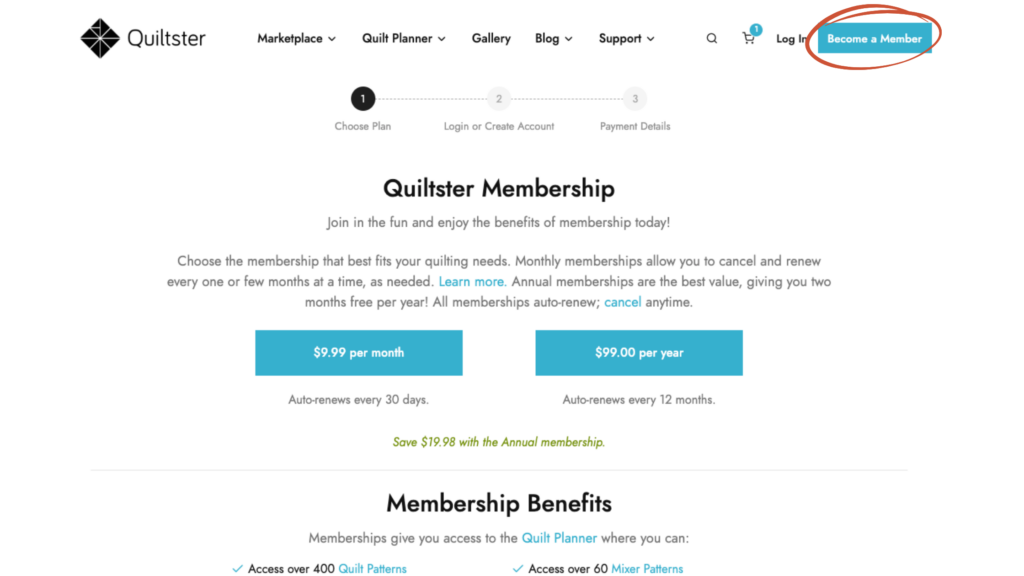
A subscription is a paid membership to gain access to the online Quilt Planner. This is the part that lets you customize your quilt before you cut fabric.
With a subscription you can:
- Access the Quilt Planner
- Customize patterns from our Quilt Pattern library
- Try different fabrics in a project
- Upload your own fabric into your personal stash inside the Quilt Planner
- Save unlimited quilt projects
- Generate accurate yardage charts
- Reopen and edit your projects anytime
You only need a subscription when you want to start customizing and planning your quilt.
What Happens If My Subscription Ends?
Good news: you never lose your account.
You can always:
- log in
- see your orders
- download purchases
- manage your addresses and payment info
What changes is access to the Quilt Planner.
When a subscription ends, your projects are still safely stored, you just can’t open or edit them until the subscription is active again.
So nothing disappears. Quiltster simply pauses the design studio until you come back.
So Where Does Payment Come In?
Payment only happens in two situations:
1) You buy something in the Marketplace
That works just like any online store. You are only paying for the items you chose to place in your shopping cart.
2) You choose to subscribe to the Quilt Planner
This is a completely separate process from creating an account.
The Quilt Planner is Quiltster’s design software that lets you:
- customize patterns
- test fabrics
- generate yardage
This is optional and only starts if you intentionally subscribe to it.
Creating an account does not start a subscription or generate automatic payments.
The Short Version
You do not need to pay to create an account.
You only pay if you:
- purchase a product
- or choose to subscribe to the Quilt Planner
Creating an account simply gives you a safe place to manage your purchases and we strongly recommend creating one. Especially if you ever plan to order from Quiltster more than once.
Happy Quiltstering!