How it Works
Welcome Shops!
Quilt Shops can list and sell Quilt Kits through the Quiltster Marketplace. It’s a great way to showcase your products to a new audience of quilters who are actively planning their next project!
Whether you’re creating custom Kits designed in Quiltster or listing any kits already available in your shop, we’ll guide you through each step of the process and provide resources along the way.
1. Request a Seller Account
Tell us about your shop!
Start by completing the Seller Account Request Form.
Quiltster staff will review your form and then reach out to you to confirm your preferred Seller Subscription plan. At that time, we will process your initial payment on your behalf.
2. Set Up Your Seller Account
You’ll then receive access to the Seller Content Management System (Seller CMS).
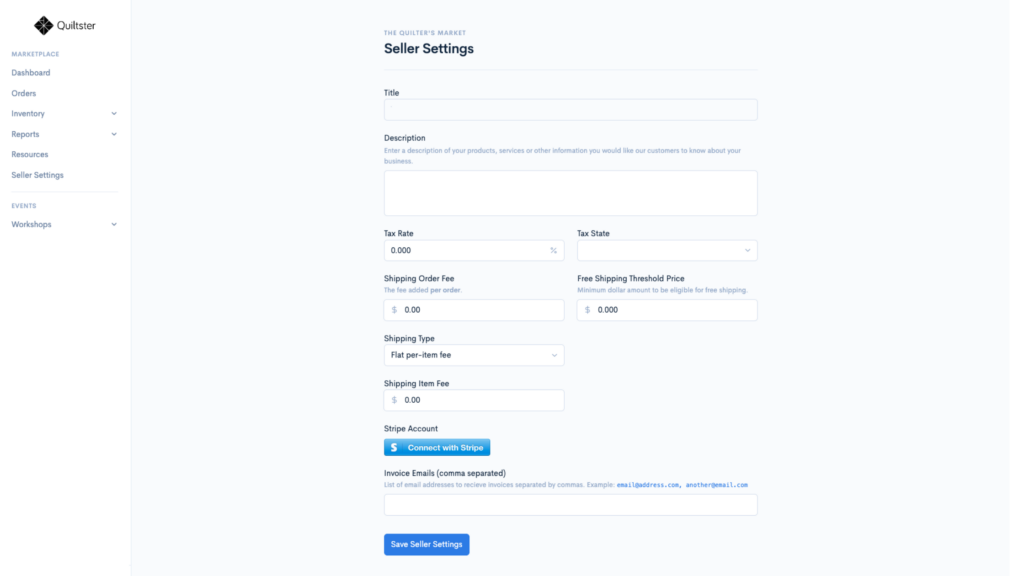
Before publishing your first listing, you’ll need to complete your company settings and connect your payout account. This takes only a few minutes to set-up. Once those steps are complete, you’re ready to start selling in the Quiltster Marketplace!
The Seller CMS is your hub for managing your Marketplace business, including:
- Creating and publishing listings
- Managing inventory
- Processing and fulfilling orders
- Updating shipment information
- Viewing payout reports
- Accessing seller resources and support
Learn more: Seller Account Set-Up
3: Create Your First Listing
You’re ready to create your first Marketplace listing!
At this time, Quiltster Sellers can list and sell Quilt Kits in the Quiltster Marketplace. Additional product categories may be added in the future.
You can create:
Quiltster Kits
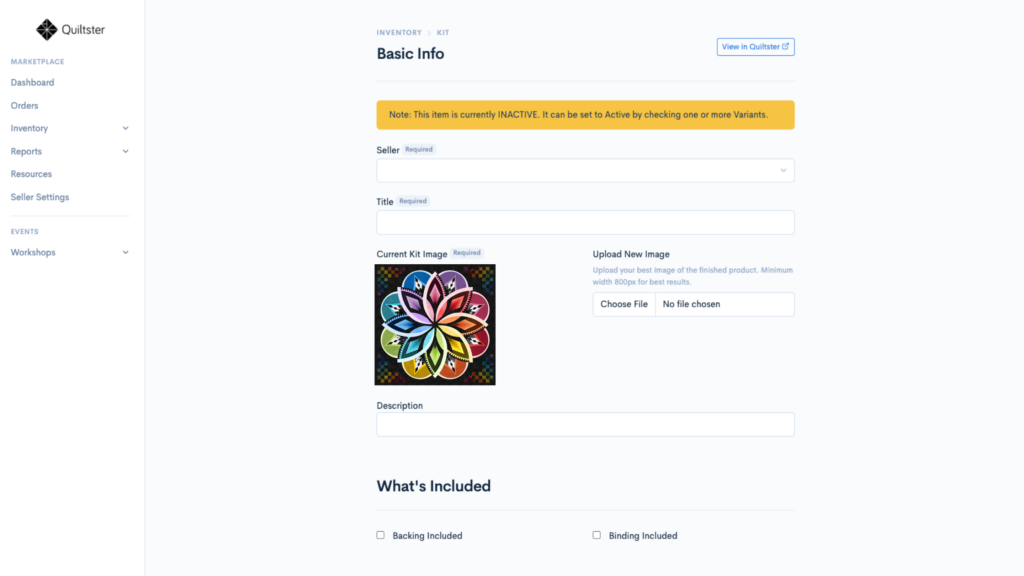
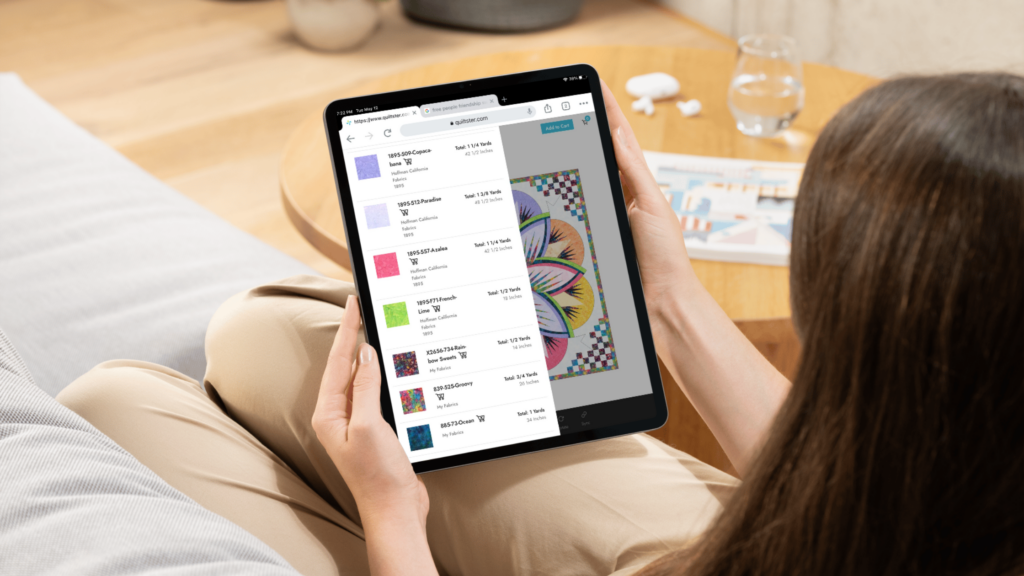
Create a project in the Quilt Planner and convert it into a Marketplace listing. These kits allow customers to see exactly how the fabrics look in the finished quilt before purchasing.
Classic Kits
Already have kits prepared for your shop? Create traditional Marketplace listings without using the Quilt Planner.
Learn More: How to Create & Publish Listings
4. Manage Inventory
Quiltster does not currently connect to external inventory or point-of-sale systems for Quilt Kit inventory. Sellers are responsible for maintaining accurate inventory levels for Kit listings.
If a kit sells in your shop, at a show, through your website, or any other sales channel, you’ll need to update the available inventory in the Seller CMS to ensure Marketplace inventory remains accurate.
The Seller CMS makes it easy to:
- Update inventory quantities
- Mark products in or out of stock
- Edit listing details
- Monitor sales activity
Learn More: Inventory Management
5. Ship Orders & Receive Payouts
When an order is placed, you’ll prepare and ship the order directly to the customer.
Marketplace payments are processed automatically and funds are paid out through your connected payout account.
Learn More: Order Fulfillment & Payouts, Shipping Guidelines
6. Grow Your Sales
Once your shop is live, Quiltster provides tools to help you attract customers and encourage repeat purchases.
Seller features include:
- Easy listing creation
- Product promotions
- Sales and discounts
- Coupon codes
Successful sellers add new listings weekly and create seasonal promotions throughout the year.
Learn More: Sales & Promotions
Every quilt tells a story, the best ones begin with Quiltster.
Learn more at Quiltster.com and remember to check out the Partners Blog.